How to Verify Information You See Online: A Practical Guide to Spotting Misinformation
Every day, we're exposed to countless claims, videos, and headlines online—but not all of them are accurate. Learn practical techniques to verify information, identify misleading content, and make informed decisions before you trust or share what you see.

How to Verify Information You See Online
The internet has made information more accessible than ever before. Within seconds, you can read breaking news, watch videos from around the world, and discover answers to almost any question. But this convenience comes with a challenge: not everything you see online is true.
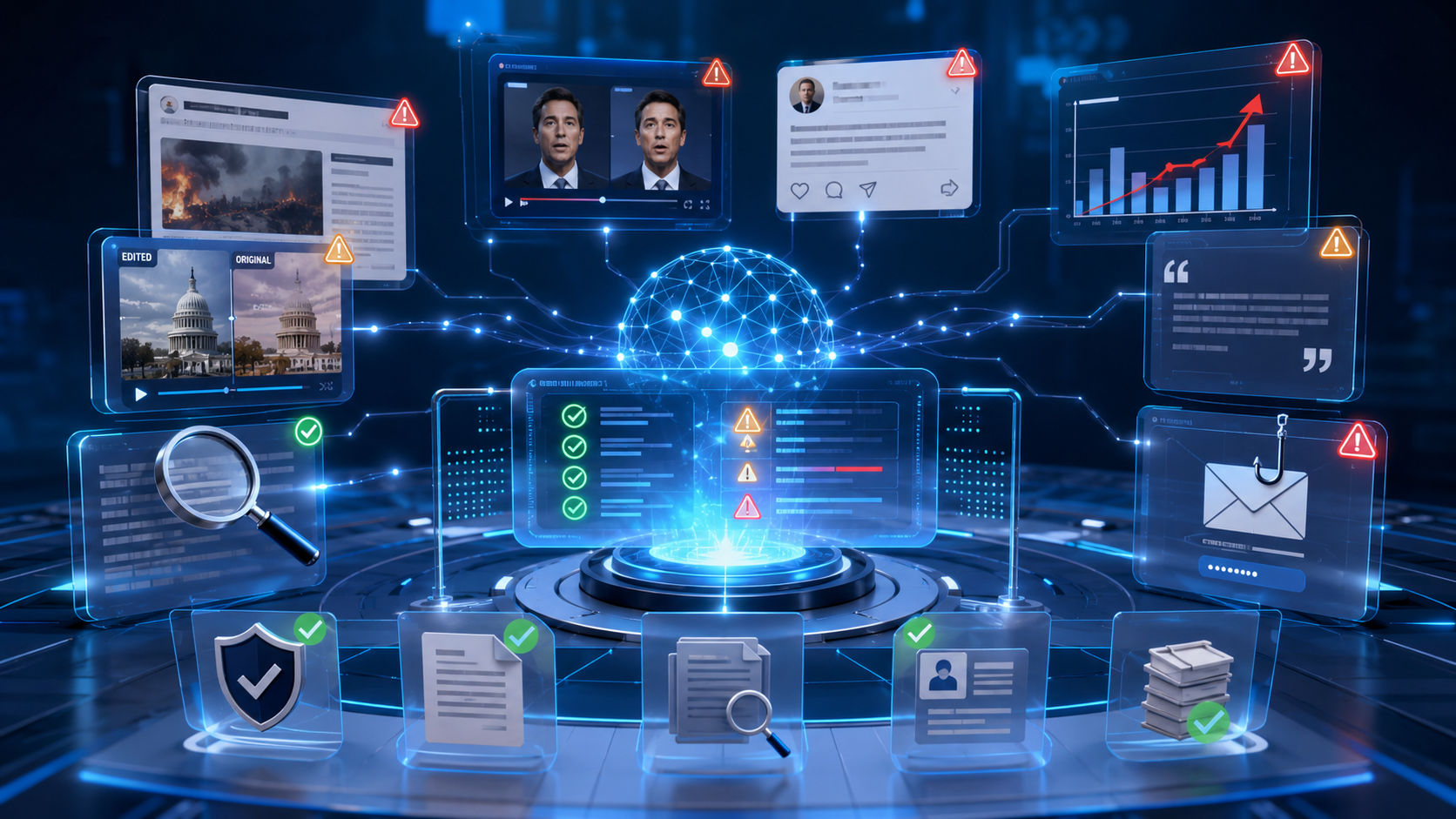
Misleading headlines, edited videos, AI-generated images, fake statistics, and out-of-context posts spread rapidly across social media and messaging platforms. In many cases, false information travels faster than factual corrections.
Learning how to verify information isn't just a useful skill—it's an essential part of being a responsible digital citizen.
In this guide, you'll learn practical methods to evaluate online content, recognize misinformation, and confidently determine whether something deserves your trust.
Why Verification Matters
Information influences the decisions we make every day.
It can affect:
- Health choices
- Financial decisions
- Political opinions
- Purchasing behavior
- Education
- Career opportunities
- Public safety
Sharing inaccurate information—even unintentionally—can contribute to confusion and misinformation. Taking just a few moments to verify a claim can help prevent false information from spreading further.
Step 1: Pause Before You Share
One of the simplest and most effective habits is to pause.
Many misleading posts are designed to provoke an emotional response, such as anger, fear, or excitement. These emotions often encourage people to share content without checking its accuracy.
Before clicking "Share" or forwarding a message, ask yourself:
- Who published this?
- Does it sound unusually dramatic?
- Is there evidence supporting the claim?
- Have other reliable sources reported the same information?
A short pause can prevent misinformation from spreading.
Step 2: Check the Original Source
Always identify where the information came from.
Ask questions like:
- Is the source clearly identified?
- Is it an official organization?
- Does the website have an "About" page?
- Are contact details available?
- Is the article written by a real author?
Reliable information usually comes from organizations that are transparent about who they are and how they gather information.
Be cautious of websites that imitate well-known news organizations using similar names or logos.
Step 3: Read Beyond the Headline
Headlines are designed to attract attention.
Sometimes they exaggerate or oversimplify the actual story.
Instead of relying only on the title:
- Read the full article.
- Check whether the headline accurately reflects the content.
- Look for supporting evidence and references.
- Verify that important context hasn't been omitted.
A sensational headline doesn't always represent the complete picture.
Step 4: Verify the Date
Old information often resurfaces as if it were new.
Always check:
- Publication date
- Last updated date
- Dates mentioned inside the article
- Whether the information still applies today
This is especially important during elections, natural disasters, health emergencies, and rapidly changing events.
Step 5: Look for Supporting Evidence
Credible claims are usually supported by evidence.
Look for:
- Official reports
- Government data
- Academic research
- Scientific studies
- Public records
- Expert statements
If an article makes significant claims without citing any evidence, treat it with caution.
Step 6: Compare Multiple Trusted Sources
Don't rely on a single website.
Instead, compare information from several reputable sources.
If multiple independent organizations report the same facts, confidence in the information increases.
Differences between sources may also reveal missing context or ongoing developments.
Step 7: Be Careful with Images and Videos
Visual content can be misleading.
Images may be:
- Edited
- Cropped
- Taken years earlier
- Shared without context
- Generated by AI
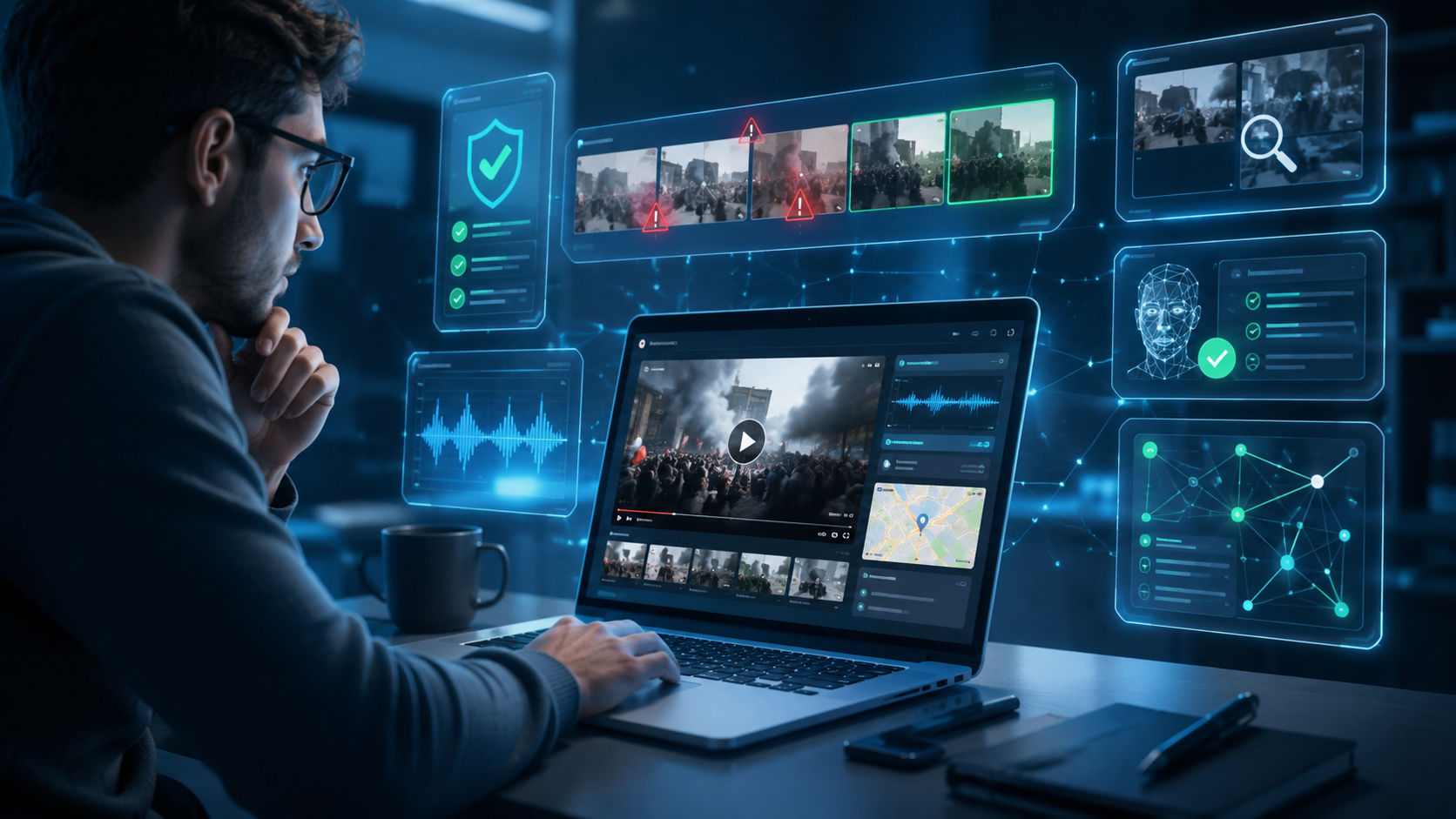
Videos can also be manipulated through editing or deepfake technology.
Before accepting visual content as genuine:
- Check when it was originally published.
- Look for the original source.
- Compare it with reports from trusted organizations.
- Use reverse image search tools when appropriate.
Remember that seeing something in a video doesn't automatically make it authentic.
Step 8: Watch for Emotional Manipulation
Misinformation often appeals to emotions rather than facts.
Be cautious of content that says things like:
- "They don't want you to know this."
- "Share before it's deleted."
- "Everyone must see this."
- "The media is hiding the truth."
These tactics encourage impulsive sharing instead of thoughtful evaluation.
Reliable information focuses on evidence rather than emotional pressure.
Step 9: Understand the Difference Between Opinion and Fact
Not every statement can be fact-checked.
For example:
Opinion:
"This is the best smartphone ever made."
Opinions are subjective.
Fact:
"This smartphone was released in 2025."
Facts can be verified using reliable sources.
Recognizing the difference helps you evaluate information more effectively.
Step 10: Use AI Fact-Checking Tools Responsibly
Modern AI tools can help users:
- Identify factual claims
- Summarize evidence
- Compare multiple sources
- Highlight inconsistencies
- Explain why information may be misleading
These tools can save time, but they shouldn't replace critical thinking.
The best approach combines AI-assisted analysis with trusted evidence and your own judgment.
Common Signs of Misinformation
Watch for these warning signs:
- Anonymous sources
- No supporting evidence
- Sensational headlines
- Excessive use of capital letters
- Emotional language
- Poor grammar or spelling
- Missing publication dates
- Requests to "share immediately"
- Claims that cannot be independently verified
One sign alone doesn't prove something is false, but several together should encourage closer examination.
A Simple Verification Checklist
Before believing or sharing online information, ask yourself:
✅ Who published it?
✅ Is the source trustworthy?
✅ Can I find supporting evidence?
✅ Is the information current?
✅ Have multiple reliable sources reported it?
✅ Does the claim make logical sense?
✅ Am I reacting emotionally instead of thinking critically?
If you answer "no" to several of these questions, it's worth investigating further.
Why Digital Literacy Matters
Technology continues to evolve rapidly, and AI-generated content is becoming increasingly realistic.
As a result, digital literacy is no longer optional.
Knowing how to evaluate information helps you:
- Make informed decisions
- Avoid scams
- Recognize misinformation
- Protect friends and family
- Build better research habits
Verification isn't about distrusting everything—it’s about understanding what deserves your trust.
Final Thoughts
The internet offers incredible opportunities to learn, connect, and stay informed, but it also requires us to think critically about the information we encounter.
By checking sources, reading beyond headlines, verifying evidence, and using AI tools responsibly, you can significantly reduce the chances of being misled.
In an age where information travels instantly, taking a few extra moments to verify what you see online is one of the simplest ways to contribute to a more informed and trustworthy digital world.